
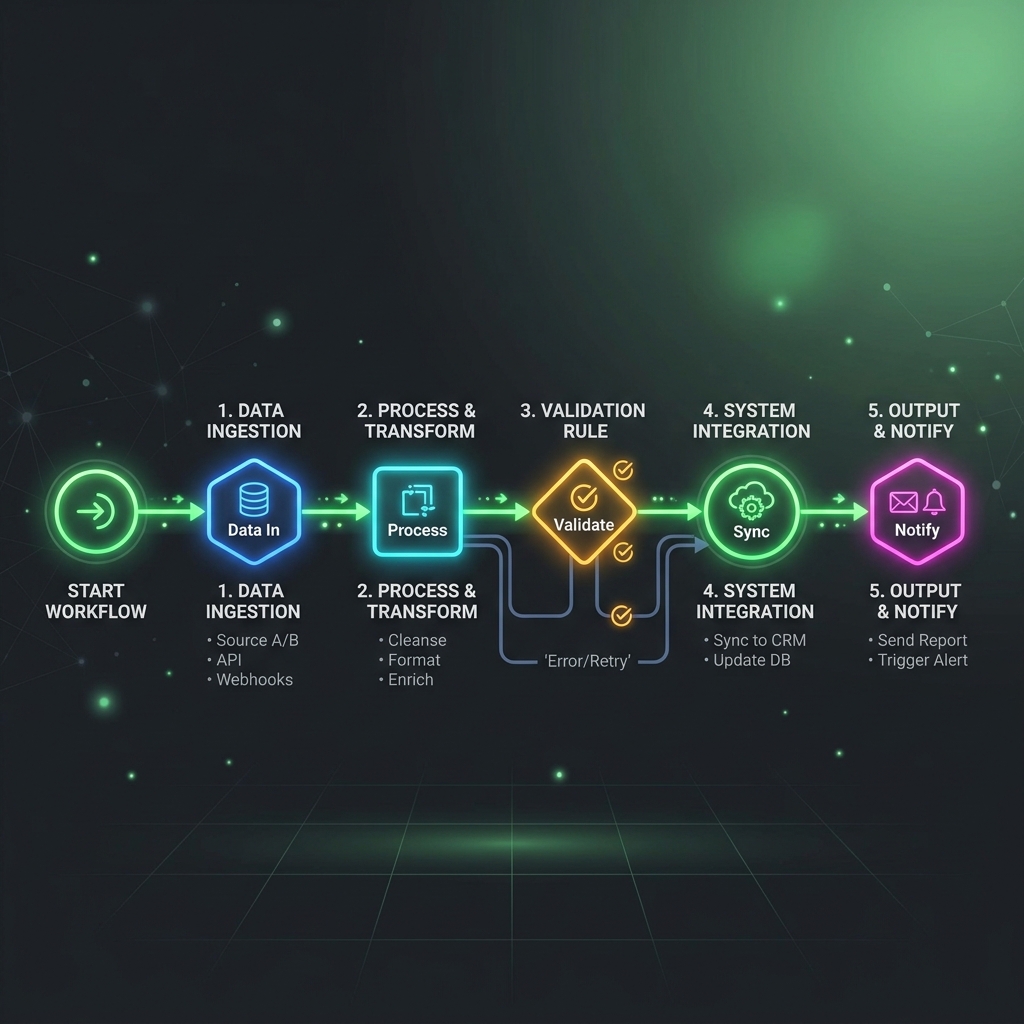
Most organizations fail to leverage AI effectively because they treat it as a chat window. Having employees copy-paste text back and forth into a browser tab is not true productivity. The real power of AI lies in background automation: workflows that run silently in response to business events, making decisions, structuring data, and reclaiming hundreds of collective hours. Here is how we build them.
The Anatomy of an AI Automation
An enterprise-grade AI automation workflow consists of three distinct layers:
- The Trigger: An event that starts the process (e.g., a new email, an inbound form submission, or a web hook).
- The Reasoning Engine: An LLM API call that structures, analyzes, or evaluates the input data using system prompts.
- The Action: Writing the structured result to database records, triggering emails, or alerting team members.
Tutorial: Automated B2B Lead Enrichment & Scoring
Let's build a workflow that enrich inbound leads from a website form, evaluates their budget and size against a target profile, and creates categorized notifications in Slack and CRM.
Step 1: Capture and Event Trigger
We use Webhooks to intercept new submissions. The payload contains basic user information:
{
  "email": "[email protected]",
  "name": "Jeff Bezos",
  "company": "Amazon",
  "message": "We need help migrating our logistics database to an AI agent system."
}
Step 2: AI Query & Structured Output
Using a fast, capable model like Gemini 1.5 Flash, we perform a structured extraction. We prompt the model to research context (if combined with search tools) or extract direct facts, formatting the response strictly as JSON:
{
  "company_size": "1,000,000+",
  "estimated_budget": "Enterprise",
  "intent_score": 98,
  "summary": "High-priority enterprise prospect. Requesting database migration support.",
  "recommended_routing": "Enterprise Sales Team"
}
Step 3: CRM Entry and Alerts
The workflow writes the enriched fields directly to the CRM (e.g., Hubspot) via API. Concurrently, if the intent_score exceeds 80, the system triggers a Slack alert to the Sales channel with formatting, tagging the account executive.
Concrete ROI: Case Study Findings
We implemented this workflow for a mid-market financial services firm. The results exceeded expectations:
- Average response time: Dropped from 4.5 hours to 90 seconds.
- Manual data entry: Eliminated 100% of data enrichment tasks.
- Time saved: Reclaimed approximately 42 hours of combined sales team time every single week.
By automating the routine data triage, the client's sales representatives spent their energy on high-value strategy calls, resulting in a 22% increase in meeting conversions within the first month.